- Wordpause
- VLC subtitle translator
Coming soon for Windows
A subtitle translator for VLC, with no plugin to install
Hover a word in the subtitles and the film pauses with its meaning and examples. Works in VLC, mpv, PotPlayer and MPC on Windows.
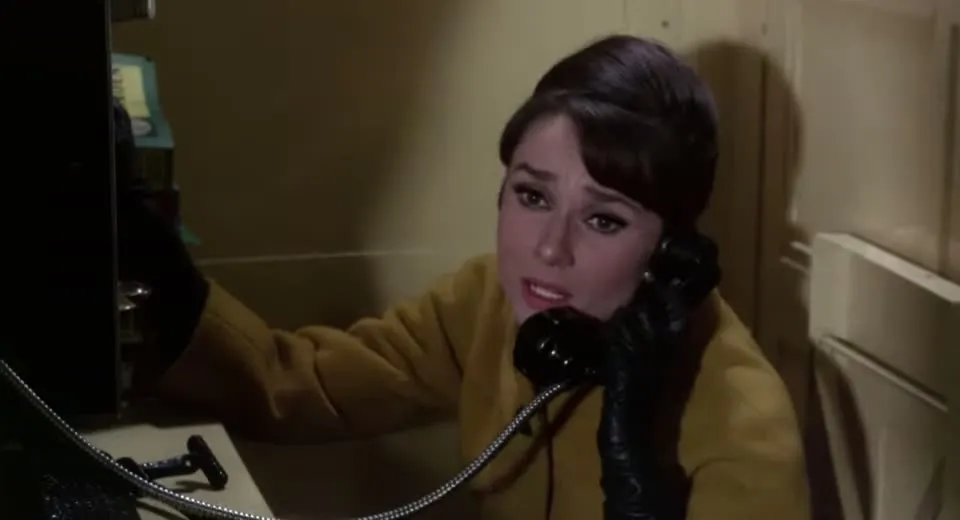 Paused
Pero alguien me quiere matar.
The short answer
Can VLC translate subtitles?
Not by itself. VLC shows the subtitle track you load and has no translation built in. To look up words while you watch, you need a separate tool. Wordpause reads the subtitle off the screen, so VLC needs no plugin.
The usual workarounds all happen before you press play: find a subtitle file in another language, run your file through an online subtitle translator, or install an extension script that fetches translations for you.
Those give you a different subtitle track. If you are watching to learn the language, you lose the words you came for. Wordpause leaves the original subtitles where they are and explains only the word you point at.
How to translate subtitles in VLC
Three steps, nothing to set up in VLC
-
Play the film with subtitles on
Any file VLC can play. Wordpause sits in the Windows tray and notices when VLC is in front.
-
Hover the line, then a word
The film pauses. The word’s meaning appears with example sentences. Drag across several words to translate a phrase.
-
Move away to keep watching
Playback continues from the same frame. Press Save first to keep the word for review.
Players
Not only VLC
VLC media player
Local files, discs and network streams, with subtitles you can switch off or burned-in ones.
mpv, PotPlayer, MPC-HC, MPC-BE
Recognised automatically when they are the window in front.
Other players
Bring the app to the front, open the tray menu and choose “Use Wordpause with …”.
Whole-line translation
When one word is not enough, translate the full line with the button at its end.
Questions
Before you ask
How do I translate subtitles in VLC?
VLC has no translate option. With Wordpause running in the tray, play your film with subtitles on, hover the subtitle to pause, and hover a word to see what it means.
Do I need a VLC plugin or a Lua script?
No. Wordpause is a separate Windows app that reads the subtitle on screen. Nothing is installed into VLC and your settings are not changed.
Does it change my video or subtitle files?
No. It only reads what is shown on screen. Files are never opened or modified.
Does it work with mpv and PotPlayer?
Yes. mpv, PotPlayer, MPC-HC, MPC-BE and Windows Media Player work the same way as VLC.
Which languages does it support?
Subtitles can be read in English, Spanish, French, German, Italian, Portuguese, Polish, Ukrainian, Japanese and Korean, and translated between those languages.
Is it available yet?
Not yet. Wordpause is in development. Write to wordpause@releasium.com and we will tell you when it is ready.
How much will it cost?
There is a free plan with 30 lookups a month. Paid plans start at $3.99 a month, or $2.67 a month billed yearly. See plans